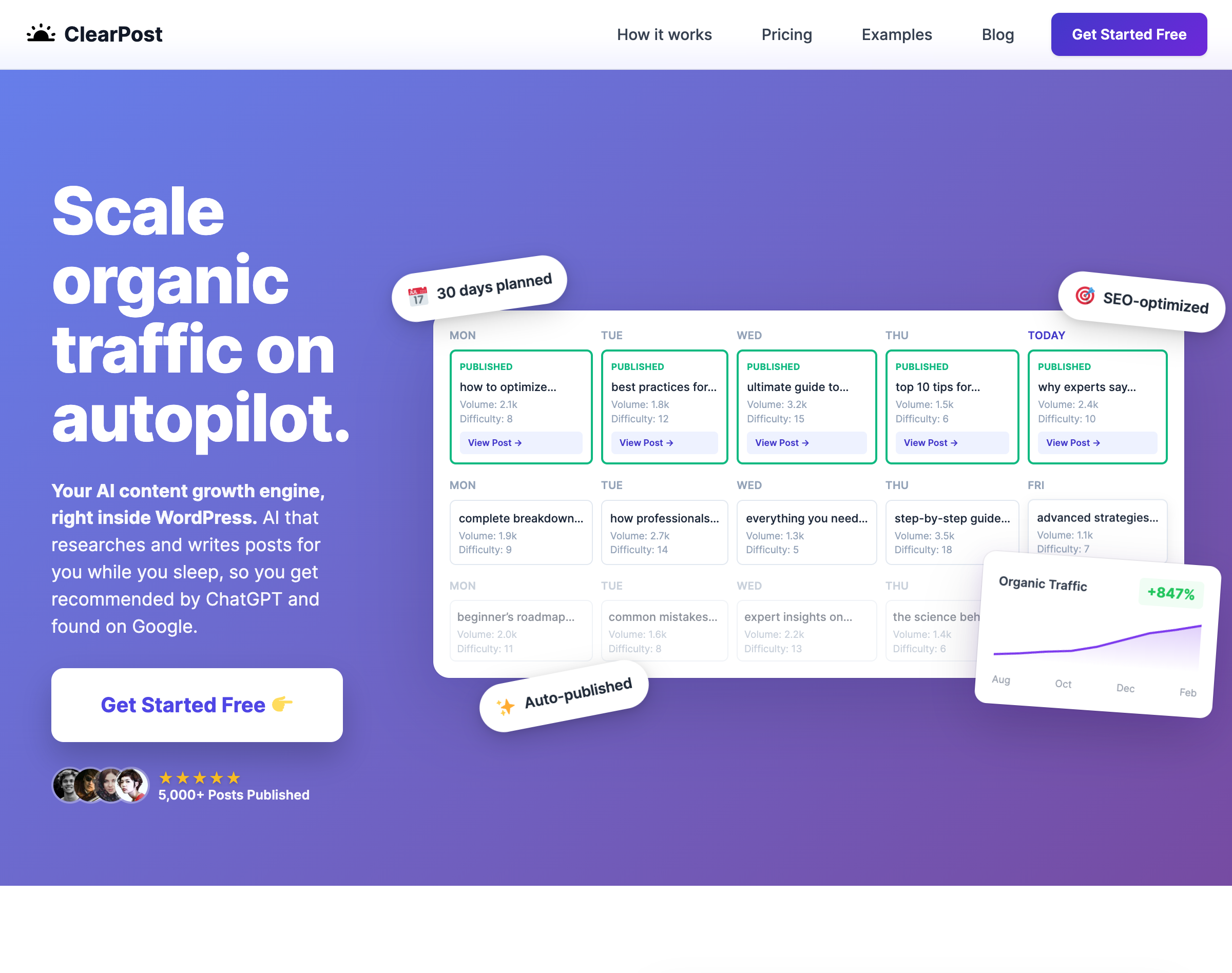
Your AI content growth engine, right inside WordPress. AI that researches and writes posts for you while you sleep, so you get recommended by ChatGPT and found on Google.
Your content runs itself. Wake up to fresh articles, watch your rankings climb, and stay ahead of competitors who are still stuck writing their own posts.
ClearPost scans your site, studies your competitors, and identifies the exact keywords that will drive traffic to your business.
Today
Publishedhow to optimize…Volume: 2.1kDifficulty: 8View Post →
Tomorrow
best practices…Volume: 1.8kDifficulty: 12
Mon
ultimate guide…Volume: 3.2kDifficulty: 15
Tue
top 10 tips…Volume: 1.5kDifficulty: 6
Your optimized 30-day content plan
A full month of strategic content. Every post targets a high-potential keyword, giving you a clear path to more traffic.
Search PerformanceLast 3 months
2.4kClicks
48kImpressions
OctNovDecJan
Watch your traffic climb
SEO-optimized posts that rank. Published daily, automatically. Watch impressions and clicks grow on autopilot.
More rankings. More traffic. Zero effort.
Keyword
Type
Volume
Difficulty
Intent
how to choose accounting software
Pillar
2.1k
18
Informational
quickbooks vs xero comparison
Spoke
1.4k
24
Commercial
best accounting software for freelancers
Spoke
890
12
Commercial
bookkeeping software for airbnb hosts pricing
Long-tail
140
8
Transactional
01
Discover keywords your competitors miss
AI analyzes your niche, studies competitors, and finds high-traffic keywords you can actually rank for.
02
Publish content that actually ranks
Keyword-targeted content that doesn’t sound like AI. Strategic internal and external links woven in. Ready to climb.
How-To Guide
How to Choose the Best Accounting Software for Your Small Business
Finding the right accounting software can transform how you manage your business finances. This guide walks you through everything you need to know.
Why Accounting Software Matters
Manual bookkeeping is time-consuming and error-prone. Modern software automates invoicing, tracks expenses, and generates reports instantly. Learn more in our complete guide to business automation.
92
SEO Score
✓ Automatic internal links
✓ Keyword in title
✓ H2 structure
✓
Read existing article:How We Doubled Our Revenue in 6 Months
✓
Extracted post structure from:How We Doubled Our Revenue in 6 Months
✓
Read existing article:The Complete Guide to Customer Retention
Now I fully understand your voice and the structure you want for this post.
⏳ Creating article in your voice, style and structure…
03
Writes like you do
Reads your existing posts to capture your voice. Add any URL for it to learn from. Extracts the exact structure of your best content and replicates it.
04
Edit anything by chatting with it
Want changes? Just tell the AI. No more wrestling with drafts.
Find 3 more internal links that are relevant and insert them into the post
✓
Searched your posts:Found 12 relevant articles
✓
Analyzed content:Identified 3 optimal link placements
Everything you need to publish like a pro, effortlessly
🌍
150+ Languages
Generate high-quality content in any language your audience speaks.
✏️
AI-Powered Editing
Start “vibe-editing”. Ask the built-in AI editor to change any post just by chatting with it.
🔮
Unlimited SEO Agent
Use the SEO Agent as much as you need to build your perfect growth strategy.
⚡
Zero Learning Curve
Lives inside WordPress. No new dashboards, no extra logins. Click a couple of buttons and watch your traffic start to grow.
✓
Always In Control
Full autopilot by default, but you can choose to approve every post before it goes live.
💬
24/7 Expert Support
Get help directly from the founder. Real humans, real answers, anytime.
Get recommended by AI
Win the long tail before your competitors do.
1
Good SEO is now table stakes
AI assistants pull from top-ranking content. If you’re not ranking on Google, you’re invisible to ChatGPT, Perplexity, and the rest.
✓SEO
↓
✓AI Recommendations
2
But AI search is different
People ask AI assistants full questions, not keywords. Queries are longer, more specific, more niche.
Google“running shoes”
ChatGPT“best running shoes for flat feet marathon training”
3
This creates a massive long-tail opportunity
There are now more niche, low-competition keywords worth targeting than ever before. The tail is fatter.
The opportunity ↓
Head
Long tail
4
You can’t capture it manually
Covering enough long-tail keywords to make a difference requires volume. No human team can keep up.
Manual: ~2-4 posts/month
5
ClearPost lets you dominate the long tail
Automate content at scale. Control how niche you go. Cover more ground than competitors who are still writing manually.
ClearPost: 30+ posts/month
⏰ Why now?AI models are being trained on today’s content. The sooner you publish, the better your chances of being included in tomorrow’s recommendations.
Real examples of AI-generated content that ranks. Each post type is optimized for different search intents.
CompoundTraffic.io
Guide
B2B Content Marketing: The 2025 Playbook for Pipeline Growth
B2B content marketing is the strategic practice of creating and distributing valuable content to attract, engage, and convert business buyers. In 2025, it remains the highest-ROI channel for demand generation—companies with active blogs generate 67% more leads than those without.
This guide covers everything you need to build a B2B content strategy that drives measurable pipeline growth: audience research, topic clusters, content creation at scale, multi-channel distribution, and the metrics that actually matter. Whether you’re launching a new program or optimizing an existing one, you’ll walk away with a clear action plan.
Why B2B Content Marketing Drives Higher ROI Than Paid Ads
B2B buying cycles average 6-12 months, with purchase committees of 6-10 stakeholders. Paid ads can’t nurture relationships across that timeline cost-effectively. Content marketing can. According to Demand Gen Report, 71% of B2B buyers consume blog content during their research phase, and companies that publish 16+ posts monthly get 3.5x more traffic than those publishing 0-4.
The compounding effect is what makes content marketing powerful. A blog post you publish today continues generating leads for years. Paid ads stop the moment you stop paying. HubSpot found that 90% of their leads come from posts published months or years earlier. This “compounding traffic” creates a sustainable competitive moat.
Content also builds the brand authority that influences buying decisions. When prospects repeatedly encounter your insights during their research, you become the trusted advisor—not just another vendor. This positioning shortens sales cycles and increases win rates against competitors who only show up with sales pitches.
How to Build B2B Buyer Personas That Actually Work
Effective B2B content starts with knowing exactly who you’re writing for. Generic personas like “Marketing Mary” waste your time. Instead, build personas around the specific problems your buyers need to solve and the questions they ask at each stage of their journey.
Interview your best customers. Ask what they searched for when researching solutions, which content influenced their decision, and what objections they had to overcome internally. This reveals the exact topics and angles your content should address. Pay attention to the language they use—these phrases become your keywords.
Map the buying committee. In enterprise B2B sales, you’re rarely selling to one person. Technical evaluators want implementation details. Financial buyers want ROI projections. End users want ease-of-use proof. Create content that arms your champion with ammunition for each stakeholder conversation.
B2B Buyer Persona Research Questions
What triggered their search for a solution? (The “why now” moment)
What alternatives did they evaluate, and why did they choose you?
Which content pieces influenced their decision most?
What internal objections did they have to overcome?
How do they measure success with your product?
Where do they go for industry news and advice?
Building a B2B Content Strategy Using Topic Clusters
Random blog posts don’t rank. Google rewards topical authority—comprehensive coverage of a subject across multiple interlinked pieces. Structure your content using the pillar-cluster model: one comprehensive pillar page targeting your main keyword, supported by cluster posts targeting related long-tail keywords, all interlinked.
Start with keyword research focused on commercial intent. Tools like Ahrefs and SEMrush reveal what your buyers actually search for. Prioritize keywords where you can realistically rank (difficulty under 40) with decent volume (100+ monthly searches). Map keywords to buyer journey stages—informational queries for awareness, comparison queries for consideration, solution-specific queries for decision.
Create a content calendar that builds clusters systematically. Most B2B companies succeed publishing 2-4 quality posts weekly. Consistency matters more than volume—Google rewards sites that publish regularly. Build in flexibility for timely content responding to industry news or product launches.
High-Converting B2B Content Formats
Pillar guides (3,000+ words) target competitive head terms and establish topical authority. These comprehensive resources rank for dozens of related keywords and serve as link magnets. Gate portions as downloadable PDFs to capture leads.
Comparison posts (“X vs Y,” “Best tools for Z”) capture high-intent commercial traffic. Buyers actively searching comparisons are close to purchase. Be genuinely helpful—include competitors where appropriate—and you’ll earn trust and conversions.
Case studies with specific metrics convert consideration-stage prospects. “How Company X Increased Revenue 47% in 6 Months” outperforms generic success stories. Include enough implementation detail that prospects can envision similar results.
Original research and data earns backlinks and establishes thought leadership. Survey your customers or analyze your product data to generate insights no competitor can replicate. Data-driven posts get 2x more shares than opinion pieces.
Video and webinars engage buyers who prefer visual content. Product demos, expert interviews, and educational webinars convert particularly well for complex B2B solutions. Repurpose recordings into blog posts, social clips, and podcast episodes.
How to Create B2B Content That Ranks and Converts
Great B2B content answers the searcher’s question better than any competing page. Study the current top 10 results for your target keyword. Identify gaps—questions they don’t answer, angles they miss, outdated information. Your content should be the most comprehensive, current, and actionable resource available.
Structure content for both readers and search engines. Use your primary keyword in the title, first paragraph, and at least one H2. Include semantic variations naturally throughout. Break up text with subheadings every 300 words, bullet points for lists, and images or diagrams for complex concepts.
Write for scanners first. B2B buyers skim before committing to read. Front-load value in your introduction, use descriptive subheadings that preview section content, and bold key takeaways. If someone only reads your headings and bold text, they should still grasp your main points.
B2B Content Distribution: How to Maximize Reach
Publishing content isn’t enough. The best B2B marketers spend as much time on distribution as creation. For every hour writing, spend an hour promoting. Multi-channel distribution ensures your content reaches buyers wherever they spend time researching.
Email remains the highest-converting distribution channel. Segment your list by topic interest and engagement level. Send new content to relevant segments, and create automated nurture sequences that deliver your best-performing pieces to new subscribers.
LinkedIn dominates B2B social distribution. Don’t just share links—extract insights and post them natively. LinkedIn’s algorithm rewards content that keeps users on-platform. Engage in comments, tag relevant connections, and encourage employees to reshare. Employee advocacy can 10x your organic reach.
Paid amplification extends reach to new audiences. Promote top-performing organic content through LinkedIn Sponsored Content or Google Display campaigns. Retarget website visitors with related content to nurture them toward conversion. Start with small budgets, measure CAC, and scale what works.
Build partnerships for exponential reach. Guest posts on industry publications, podcast appearances, newsletter swaps, and co-marketed webinars introduce your brand to qualified audiences. Prioritize partners with engaged audiences that match your buyer persona.
Measuring B2B Content Marketing ROI
Track metrics that connect content to pipeline, not just traffic. The metrics that matter: Marketing Qualified Leads (MQLs) generated, pipeline influenced, content-assisted conversions, and customer acquisition cost by channel. Build dashboards that attribute revenue to specific content pieces.
Implement multi-touch attribution. B2B buyers consume 13+ pieces of content before purchasing. First-touch attribution over-credits awareness content; last-touch over-credits bottom-funnel content. Linear or time-decay models give a more accurate picture of which content actually influences deals.
Conduct quarterly content audits. Identify top performers to update and repurpose, underperformers to improve or remove, and gaps in your topic coverage. Content that ranked well 18 months ago may need refreshing to maintain position. Consolidate thin posts into comprehensive resources.
B2B Content Marketing: 90-Day Launch Plan
Launching a content program feels overwhelming. This phased approach builds momentum systematically without burning out your team. Focus on quick wins first to demonstrate value, then scale production.
Days 1-30 (Foundation): Complete buyer persona research, conduct keyword research to identify 50+ target topics, audit existing content for optimization opportunities, and document brand voice guidelines. Publish 2-4 refreshed posts to generate early wins.
Days 31-60 (Production): Build your first topic cluster—one pillar page plus 5-8 supporting posts. Establish your publishing cadence and creation workflow. Set up email nurture sequences and distribution checklists. Launch your measurement dashboard.
Days 61-90 (Optimization): Analyze performance data and double down on what’s working. Begin your second topic cluster. Implement content repurposing (turn posts into videos, infographics, social threads). Start building backlinks through outreach and partnerships.
B2B Content Marketing Mistakes That Kill Results
The biggest mistake: creating content for search engines instead of buyers. Keyword-stuffed posts that don’t genuinely help readers won’t convert—and Google’s algorithms increasingly detect and demote thin content. Write for humans first; optimize for search second.
Inconsistency destroys momentum. Publishing 10 posts in January then nothing until March confuses your audience and signals to Google that your site isn’t actively maintained. Commit to a sustainable cadence—even once weekly beats sporadic bursts.
Neglecting distribution wastes your content investment. “Build it and they will come” doesn’t work. If you’re not actively promoting content through email, social, and partnerships, you’re leaving 90% of potential reach on the table. Plan distribution before you publish.
B2B content marketing compounds over time. Companies that commit to consistent, quality content for 12+ months build traffic and lead generation machines that competitors can’t easily replicate. Start building your content engine today—your future pipeline depends on the posts you publish now.
WordPressAITools.com
Listicle
8 Best AI Plugins for WordPress in 2026 (Tested & Compared)
The best AI plugins for WordPress help you create content faster, optimize for search engines, and automate repetitive tasks—all without leaving your dashboard. After testing 40+ plugins across real WordPress sites, we’ve identified the top options for every use case and budget.
Whether you need AI-generated blog posts, automated SEO optimization, or intelligent chatbots, this guide covers the plugins that actually deliver results in 2026. We evaluated each tool on content quality, ease of use, WordPress integration, and value for money.
Quick Comparison: Best AI Plugins for WordPress
Plugin
Best For
Starting Price
Jetpack AI
Gutenberg users
$10/mo
AI Engine
Free/flexible option
Free
ClearPost
Automated SEO content
$99/mo
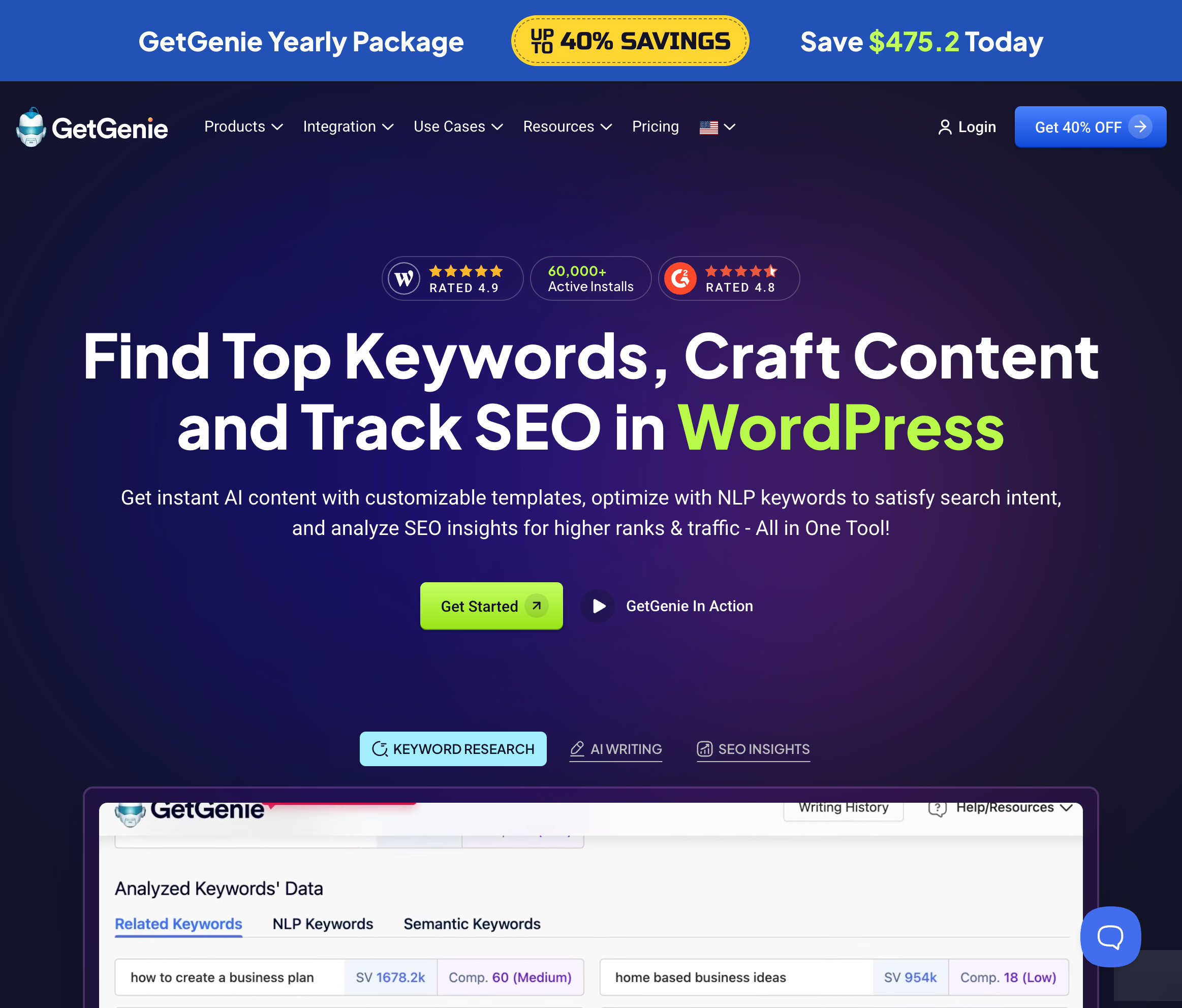
GetGenie
Hands-on control
$9.99/mo
Bertha AI
Simple, fast writing
$13/mo
Divi AI
Divi theme users
$16/mo
WordLift
Structured data/SEO
€799/mo
AI Power
Developers
Free
What Makes a Great AI Plugin for WordPress?
Not all AI plugins are created equal. The best WordPress AI tools share these characteristics:
Native WordPress integration — Works inside the editor, not in a separate tab
Quality output — Produces content you’d actually publish without heavy editing
SEO awareness — Understands search intent and keyword optimization
Workflow automation — Saves time beyond just generating text
Reasonable pricing — Provides value without enterprise-level costs
Best for: Gutenberg block editor users who want seamless AI integration.
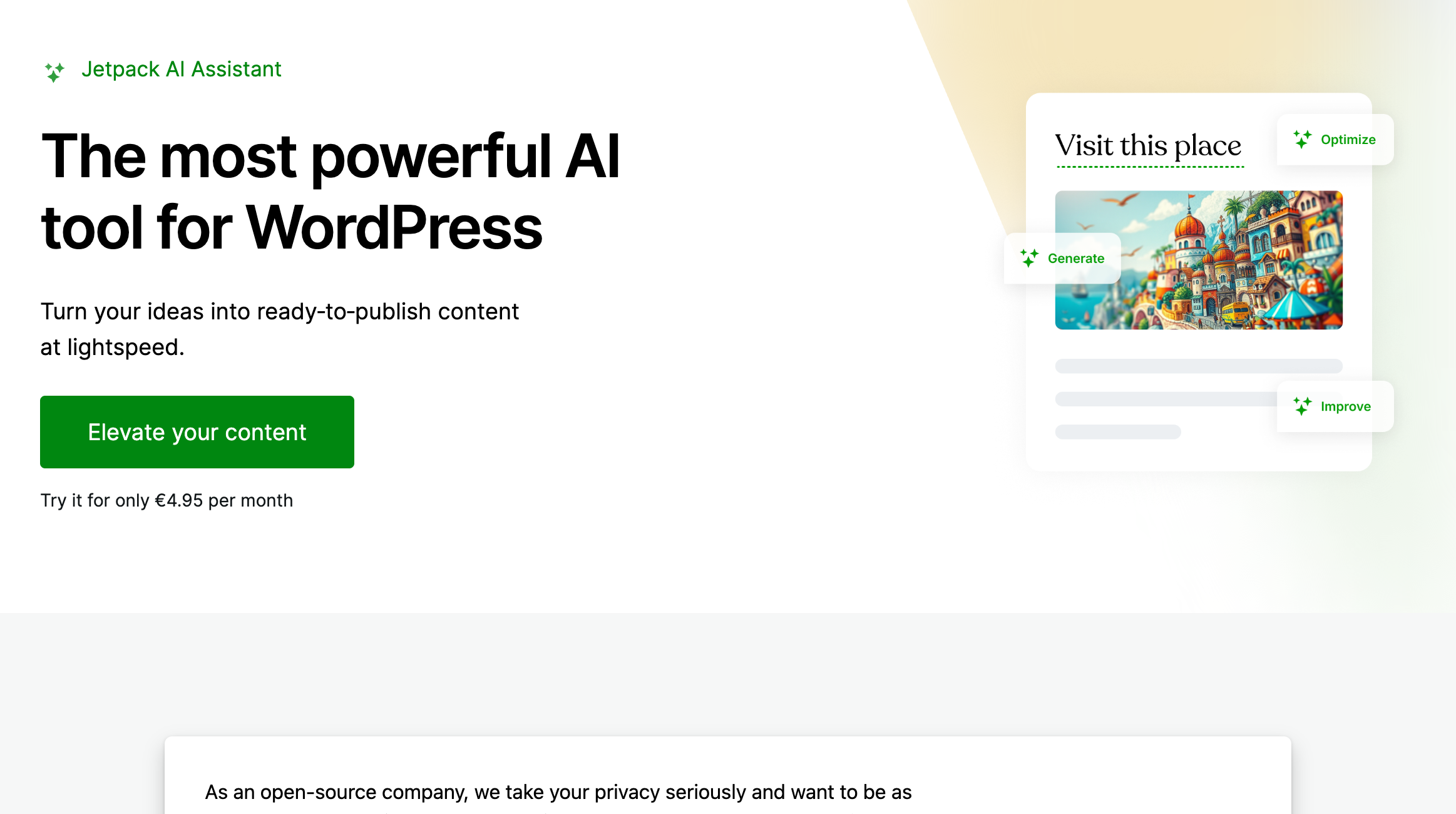
Jetpack AI Assistant is Automattic’s official AI solution, built directly into the block editor. It excels at in-line content generation—highlight text and ask AI to expand, summarize, or change tone. The integration feels native because it is.
The assistant handles blog posts, pages, and even generates featured image suggestions. For sites already using Jetpack’s security or performance features, adding AI is a natural extension.
Pros: Seamless Gutenberg integration, Automattic backing, solid multilingual support Cons: Requires Jetpack subscription, less powerful for long-form content Pricing: Included with Jetpack Complete ($25/mo) or standalone at $10/mo
Best for: Budget-conscious users who want flexibility and control.
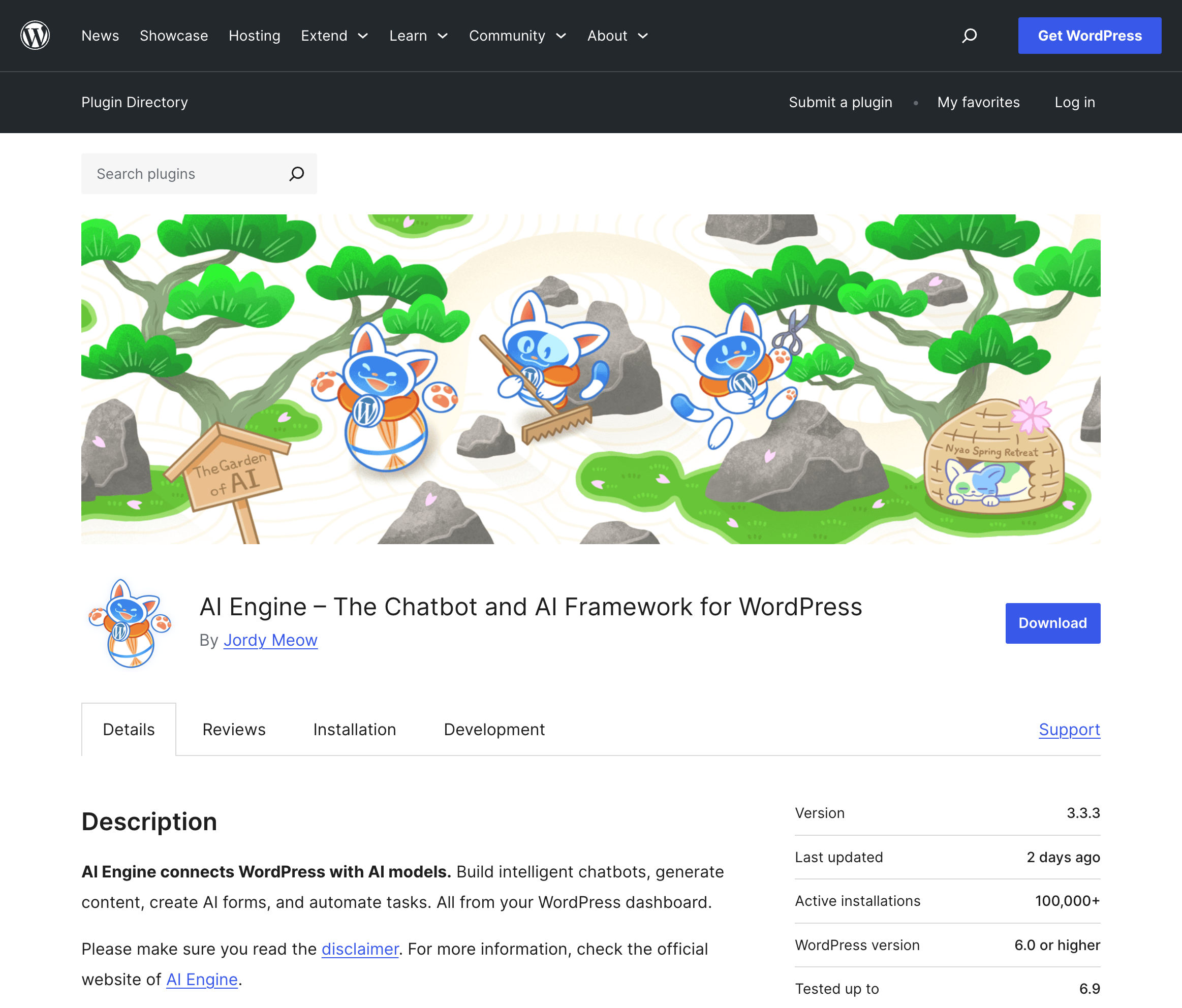
AI Engine is the most capable free AI plugin available. It connects to OpenAI, Anthropic, or Google’s APIs using your own keys—you pay only for what you use. The plugin includes a chatbot builder, content generator, and image creation tools.
Power users love the customization options: create custom AI templates, train chatbots on your content, and build automated workflows. The learning curve is steeper than premium alternatives, but the flexibility is unmatched.
Pros: Free core plugin, bring-your-own-API model, highly customizable Cons: Requires API setup, steeper learning curve, no done-for-you SEO Pricing: Free (API costs separate); Pro add-ons from $49/year
Best for: Site owners who want fully automated SEO content at scale.
ClearPost takes a different approach than most AI writing tools. Instead of generating content on demand, it operates as an autonomous SEO agent that researches your niche, builds a keyword strategy, and produces publish-ready posts on autopilot.
The plugin analyzes your existing content, identifies gaps and opportunities, then creates a content calendar targeting keywords you can actually rank for. Posts include optimized titles, meta descriptions, internal links, and featured images. You review and publish—or let it auto-publish on a schedule.
What sets ClearPost apart is the strategic layer. It’s not just writing posts; it’s building a content moat designed to compound organic traffic over time. For solopreneurs and small teams who can’t afford content agencies, this is the closest thing to having an SEO team on staff.
Pros: Fully automated workflow, built-in SEO strategy, learns your brand voice Cons: Less control over individual posts, requires trust in AI judgment Pricing: 7-day free trial; plans from $99/mo
Best for: SEO strategists who want hands-on control over every step of content creation.
GetGenie is built for writers who prefer to be deeply involved in every decision. The workflow is methodical: research your keyword, analyze SERP competitors one by one, manually select which headings to include, craft your outline, then generate and edit each section individually. Nothing happens without your explicit approval.
This approach gives you granular control that automated tools can’t match. You’ll spend significant time in the keyword research interface, studying search volumes and difficulty scores before committing to a topic. The “Genie Mode” chat lets you iterate on individual paragraphs until they’re exactly right. For writers who consider content creation a craft rather than a task to automate, GetGenie provides all the data and generation tools while keeping you firmly in the driver’s seat.
The tradeoff is clear: this is a time-intensive workflow. Each post requires active decision-making at every stage. But for those who believe great content comes from careful human judgment—not hands-off automation—that’s the point.
Pros: Complete control over every decision, detailed SERP data, works with Elementor Cons: Labor-intensive workflow, credit-based pricing adds up, steep time investment per post Pricing: Free tier available; Starter from $9.99/mo
Best for: Content creators who want simple, fast AI writing.
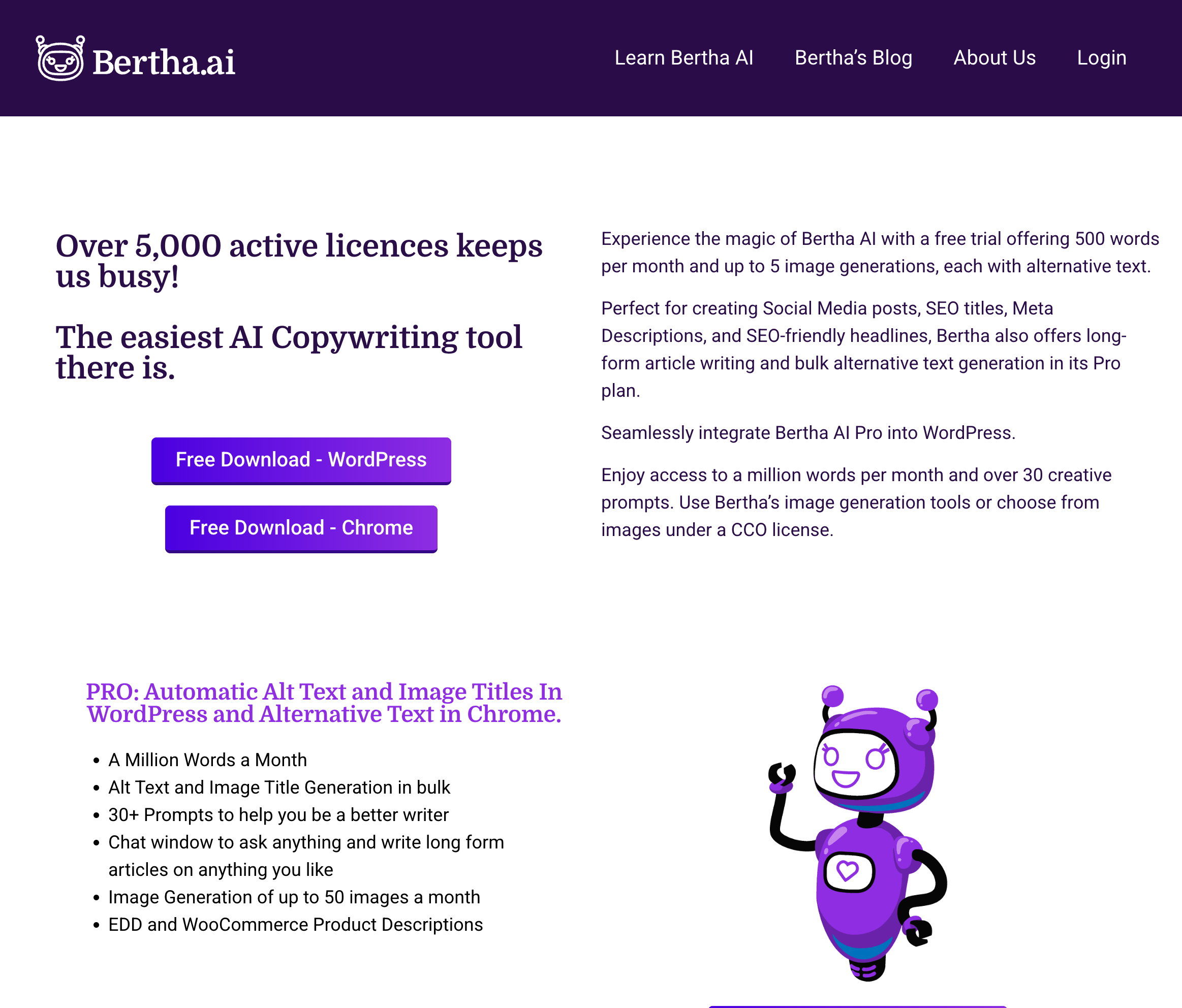
Bertha AI focuses on speed and simplicity. Click a button, get content—no complex setup or prompt engineering required. It generates blog posts, product descriptions, ad copy, and social posts directly in the WordPress editor.
The Chrome extension extends Bertha’s capabilities beyond WordPress, letting you generate content anywhere you write online. For users who find other AI tools overwhelming, Bertha’s streamlined approach is refreshing.
Pros: Dead-simple interface, fast generation, Chrome extension included Cons: Less customization than competitors, basic SEO features Pricing: Free tier available; Pro from $160/year (~$13/mo)
Best for: Divi theme users who want AI-powered design and content.
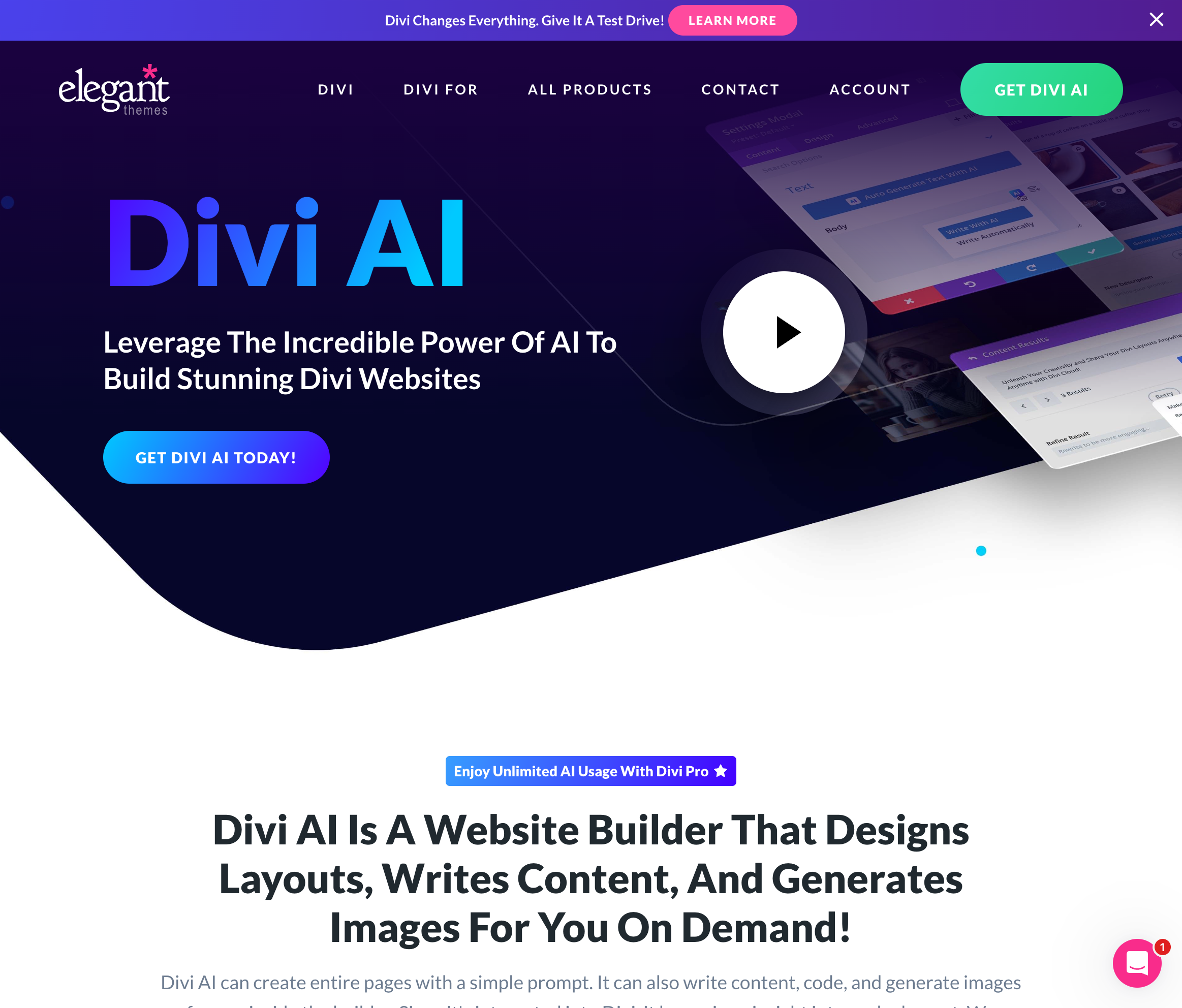
Divi AI is built directly into the Divi Builder, generating both content and design elements. Describe what you want, and it creates entire page sections—not just text, but layouts, images, and styling. It’s the only AI tool that truly understands visual page building.
The image generation is particularly impressive, creating custom graphics that match your site’s aesthetic. For Divi users, this eliminates the need for separate AI writing and design tools.
Pros: Generates designs + content together, native Divi integration, image generation Cons: Requires Divi theme, not for non-Divi sites Pricing: $16.20/mo (included with Divi subscription)
Best for: Publishers focused on structured data and knowledge graphs.
WordLift uses AI to add structured data markup to your content automatically. It builds an internal knowledge graph that helps search engines understand relationships between your content pieces—boosting chances of rich snippets and featured placements.
The semantic SEO approach is more technical than typical AI writers, but the organic traffic gains can be substantial for content-heavy sites.
Pros: Automated schema markup, knowledge graph building, unique SEO angle Cons: Steep learning curve, enterprise pricing not suited for small sites Pricing: From €799/mo (billed yearly); enterprise pricing available
Best for: Developers who want maximum customization.
AI Power provides raw access to multiple AI models (GPT-4, Claude, Gemini) through a WordPress interface. Build custom forms, automated workflows, and integrations using their extensive shortcode and API system.
The plugin is less polished than commercial alternatives but offers capabilities that locked-down tools don’t. Ideal for developers building custom AI-powered features.
Pros: Multi-model support, extensive customization, developer-friendly Cons: Requires technical skills, documentation gaps, DIY approach Pricing: Free; Pro from $10/mo
How to Choose the Right AI Plugin
Your ideal AI plugin depends on your primary use case:
Hands-off content scaling: ClearPost automates the entire workflow
Budget-conscious exploration: AI Engine and AI Power offer the most for free
Gutenberg-native experience: Jetpack AI integrates seamlessly
Hands-on craftsmanship: GetGenie gives you control over every step
Simple and fast: Bertha AI gets you writing immediately
Divi users: Divi AI generates content and designs together
Structured data focus: WordLift builds knowledge graphs automatically
Start with free trials where available. Test with your actual content needs—the best plugin is one you’ll actually use consistently.
FAQ: AI Plugins for WordPress
Are AI-generated posts bad for SEO?
No. Google has clarified that AI content is acceptable as long as it provides value to readers. Quality and helpfulness matter more than how content was created.
Can I use multiple AI plugins together?
Yes, but avoid overlap. Use one plugin for content generation and others for specific tasks like chatbots or schema markup.
How much does AI content cost per post?
Varies widely. API-based tools cost $0.50-2 per post. Subscription plugins average $1-5 per post depending on your volume and plan.
The AI plugin landscape evolves rapidly. Bookmark this guide—we update it quarterly as new tools emerge and existing ones improve.
MyFranceWedding.com
Directory
3 Budget-Friendly Château Wedding Venues in the Loire Valley
Planning a château wedding in France doesn’t have to drain your savings. The Loire Valley—home to over 300 châteaux—offers several stunning venues where you can host an unforgettable celebration without the premium price tag. We’ve curated three authentic properties ranging from intimate under-$3,000 gems to grand estates at $10,000–$20,000.
What Makes These Venues “Budget-Friendly”?
In the world of French château weddings, “budget” is relative. While Parisian venues and famous estates like Château de Chambord can cost €50,000-€100,000+, the venues below offer exceptional value. Two properties come in under $3,000 for intimate celebrations, while the third offers exclusive-use packages starting around $10,000-$20,000 for larger weddings. All provide romantic atmosphere, historic architecture, and on-site accommodations.
1. Château de Vaulogé
Budget Range: Under $3,000
Capacity: Up to 35 guests
Location: Near Le Mans, Sarthe region, Western Loire
This enchanting 15th-century castle captivates with its neo-gothic style, crenellated walls, and elegant towers. The property is surrounded by a moat inhabited by ducks, herons, and swans—creating an unforgettable atmosphere for your ceremony and photos.
Château de Vaulogé functions as a deluxe bed & breakfast, meaning your guests can stay overnight in refined bedrooms with garden views. The venue provides two reception rooms (40m² and 75m²), along with tables and chairs for up to 35 guests. Beyond the celebration, visitors can enjoy tranquil walks by the water or in the park, plus access to the swimming pool and massage services.
The all-encompassing retreat experience sets Vaulogé apart—it’s not just a venue rental but a complete wedding weekend destination where everyone stays together.
Best for: Intimate weddings seeking an enchanting, romantic countryside setting with complete guest accommodation.
2. Château de Pont-Forêt
Budget Range: Under $3,000
Capacity: Up to 180 guests
Location: Loire Valley, France
Described as “a hidden gem in the Loire,” Château de Pont-Forêt offers remarkable value with a 200m² marquee area and 5,300m² of grounds available for exclusive privatization. The three-day rental period covers setup, celebration, and post-wedding festivities—giving you ample time without rushing.
The venue includes a dedicated outdoor ceremony area and offers on-site camping accommodations for guests who want the full experience. A luxury 20m² bridal suite ensures the couple has a special retreat, while additional lodging options are available nearby. Transit services can be arranged for guests staying off-site.
What makes Pont-Forêt special is the personalized approach—the team provides curated recommendations for catering, decorations, and photography, helping you build your perfect vendor team while keeping costs manageable.
Best for: Mid-sized weddings wanting château grounds at an accessible price point with flexibility to customize.
3. Château de la Bourdaisière
Budget Range: $10,000–$20,000
Capacity: Up to 300 seated guests, 75 overnight
Location: Loire Valley, France
For couples ready to invest in grandeur, Château de la Bourdaisière delivers a complete destination wedding experience. The magnificent vaulted hall spans 320 square meters—perfect for grand receptions—while the elegant terrace hosts unforgettable cocktail hours and toasts.
The property features 25 luxurious rooms and 4 spacious apartments, accommodating up to 75 overnight guests within the château grounds. This creates an intimate multi-day celebration where your wedding party stays together in historic luxury. Ceremony options include a romantic outdoor garden altar for “American-style” celebrations or an intimate onsite chapel seating up to 20 guests.
The blend of historical charm with modern elegance makes Bourdaisière ideal for couples who want flexibility in ceremony style while ensuring everyone experiences the full magic of a French château weekend.
Best for: Larger weddings seeking the complete château experience with on-site accommodation for the full wedding party.
Tips for Booking a Budget Loire Valley Wedding
Consider the off-season: October through April rates can be 20-40% lower than peak summer months. The Loire Valley is beautiful in autumn with harvest colors and fewer tourists.
Book midweek: Thursday or Sunday weddings often come with significant discounts compared to Saturday celebrations.
Combine venue and accommodation: Exclusive-use properties where guests sleep on-site eliminate the need for separate hotel blocks and transportation logistics.
Bring your own vendors: Some châteaux allow you to hire independent caterers, photographers, and florists rather than using expensive preferred vendor lists.
Plan a longer stay: Many venues offer better per-night rates for 3-4 day bookings, and your guests will appreciate time to explore the region.
Ready to start planning? Browse our complete Loire Valley venue directory or contact us for personalized recommendations based on your guest count and budget.
Our agency was charging us $3,000 a month and publishing maybe one post a week. I kept asking for more and they kept saying it “takes time.” ClearPost published 30 posts in its first month. Each one targeted keywords that people in our area actually search for. I cancelled the agency the same week.
Sarah M.Marketing Director, Orthopedic Practice
★★★★★
I’m the entire marketing department. I don’t have time to write blog posts AND manage social AND run events. ClearPost handles the blog completely. I just check in once a week and everything’s publishing on schedule.
Rachel K.Head of Marketing, Dental Group
★★★★★
I was skeptical. I’d tried ChatGPT for blog posts and everything it wrote was generic filler that could apply to any business anywhere. ClearPost actually researches what people in our city are searching for and writes about that. The first post it generated referenced our specific services in our specific market. Totally different.
James T.Owner, Landscaping Company
★★★★★
The moment that sold me was showing our managing partner the content calendar. 30 days of posts, all planned, all targeting real keywords with search volume data. He looked at what we were paying our agency and said “why are we still using them?” That conversation used to be impossible without something concrete to show him.
Emily R.Marketing Manager, Law Firm
★★★★★
I started out reviewing every post before publishing. After a couple weeks I realized I wasn’t really changing anything. Now it’s on full autopilot. 30+ posts a month going out while I focus on the rest of my job. Honestly it feels like I hired a content person for $99 a month.
Michael D.Practice Administrator, Dental Office
★★★★★
Texted the founder at 11pm about a setup question. Got a reply in 10 minutes. Try getting that from your SEO agency.
Chris B.Owner, HVAC Company
Organic traffic that grows while you sleep
ClearPost grows your organic traffic while you focus on what matters to grow your business.
Three steps: First, we analyze your site to understand your niche, competitors, and existing content. Then we build an SEO strategy targeting keywords you can actually rank for. Finally, we create and manage your content calendar—automatically publishing one high-quality article per day. Each post includes Google-sourced images, tables, charts, internal links, external citations, and matches your brand voice. The system monitors your search performance and refines itself over time, maintaining a steady stream of fresh content that drives more organic traffic month after month.
Can I customize the posts further after generation?
Yes. Every generated post is fully editable in WordPress, or just chat with our AI post editor and watch as it makes edits for you.
Does Google penalize AI-generated content?
No. Google has been clear: they reward helpful, high-quality content regardless of how it’s produced. ClearPost creates deeply researched, SEO-optimized articles designed to rank—not thin spam that search engines ignore.
What kind of articles do you produce?
In-depth articles matched to keyword intent—how-to guides, explainers, listicles, comparisons, and more. Each piece is researched against your competitors’ top-ranking pages, written in your brand voice, and structured to capture long-tail traffic your competitors are missing.
How are the articles SEO-optimized?
Every article is built for both readers and crawlers. On the technical side: clean semantic HTML, proper heading hierarchy (H1→H2→H3), optimized meta titles and descriptions, descriptive image alt text, fast-loading markup, and automatic internal linking to build topical authority across your site. On the content side: we target keywords based on actual search volume and ranking difficulty, match search intent (informational vs. commercial vs. transactional), include semantically related terms for topical depth, and structure content to compete for featured snippets and People Also Ask boxes. It’s the full stack—not just keywords stuffed into paragraphs.
Can I run multiple websites with ClearPost?
Absolutely. Each site operates independently with its own audience targeting, brand voice, and content strategy—all producing 30 articles per month at the same quality. Running a portfolio? We offer tiered pricing: 10% off for 2-5 sites, 15% off for 6-15, and 20% off for 16+. The discount covers your entire account, so scaling up means paying less per site.
Ready to grow on autopilot?
Go ahead, rev up your effortless organic growth engine. It’s free to start.